
DigiPax
100 Hairstylist Instagram Reels Templates Bundle
Couldn't load pickup availability
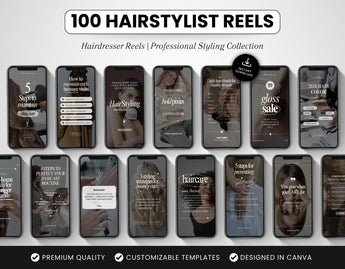
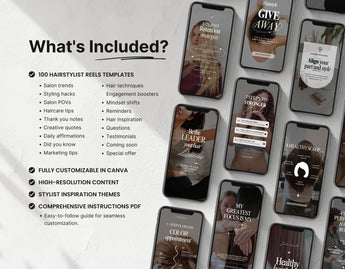
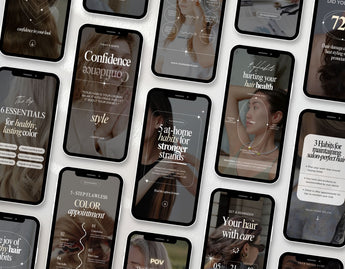
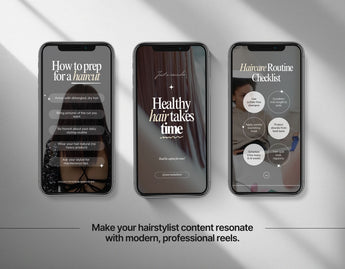
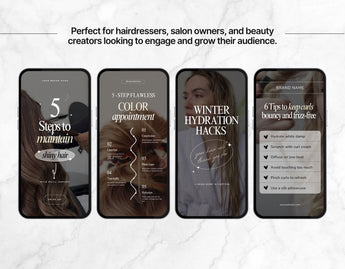
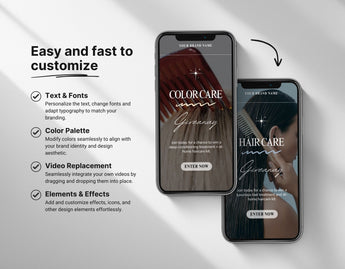
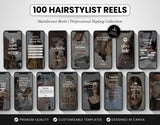
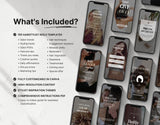
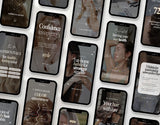
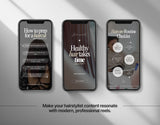
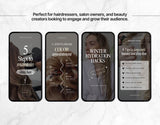
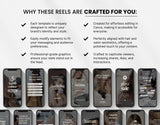
Create stylish and professional content with our 100 Hairstylist Reels Templates, designed specifically for hairstylists, hairdressers, salon owners, barbers, and beauty professionals. These editable Canva templates feature a modern, chic aesthetic—perfect for sharing haircut transformations, haircare tips, styling tutorials, salon promotions, and client before & after reels that grab attention instantly.
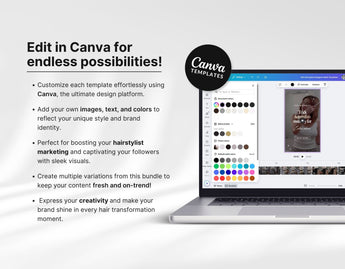
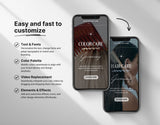
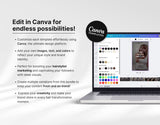
Each template is fully customizable—add your text, swap images, adjust colors to match your salon branding, and personalize the designs to reflect your unique style. Whether you’re running a hair salon, working as a freelance stylist, or building your personal beauty brand, this social media template bundle saves you hours of content creation while keeping your feed polished and professional.
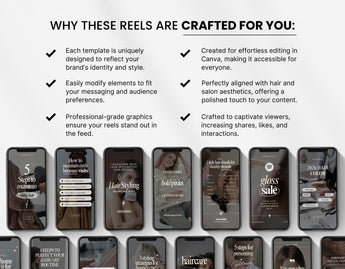
With ready-made hooks and optimized layouts, these templates are crafted to boost engagement, attract new clients, and strengthen your brand presence. Whether you’re posting hair color highlights, bridal hairstyles, haircare routines, or styling tips, this collection ensures your reels stand out and connect with your ideal audience.
Perfect for Instagram Reels, TikTok, and other social media platforms, this hairstylist Canva pack helps you create high-quality video content that builds trust, showcases your skills, and elevates your salon’s online presence—all while saving valuable time.
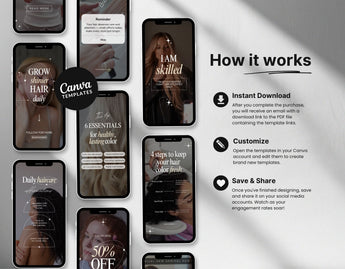
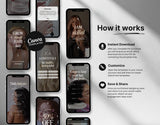
Instant Download
As soon as you complete your purchase, you'll receive a PDF document containing a shareable link, granting you immediate access to your templates through your Canva account – it's that simple!
How it works?


Frequently Asked Questions
Get quick answers to common queries. Can't find what you're looking for? Don't hesitate to contact us - we're here to help.
How can I access the templates?
Upon purchase, you will receive a downloadable PDF document containing a shared link. You can use this link to access the templates through your free Canva account.
What is CANVA?
Canva is a versatile graphic design platform that empowers you to create social media graphics, presentations, posters, documents, and other visual content. You can access it easily at www.canva.com or download the mobile app.
Are images included with the templates?
No, images are not included due to copyright considerations. You can either upload your own photos or select from the free images Canva provides.
Do you offer a Commercial license?
No, we do not currently provide commercial licenses for our products. The templates are intended for use with one (1) personal or business account. Any attempts to resell, share, redistribute, or give them away for free, including modifications for such purposes, are strictly prohibited. The end product provided to your customers must be a static file and not a Canva template.
Do I need to have a Pro Canva account to use the templates?
No, you can utilize the templates with a free Canva account; a pro subscription is not necessary. Our templates are designed and tailored for easy customization within a free Canva account.
Can I edit the templates using the Canva app on my phone?
Yes, you can edit the templates using the Canva mobile app. However, to get started, you'll need to open them from your computer first. Clicking the link in the PDF will automatically create a copy of the templates in your Canva account. This initial step must be done from a computer, after which you can use them seamlessly on your mobile phone.